
Design a Smart Meter App for Families
This was a school project that I took part in when I was studying at LDS. We focused on the later part of the double diamond in which we identify the design opportunity and propose a solution.
Project Deliverables
COM-B
Assumption grid
Proto-Persona
UX vision statement
Storyboard
Journey mapping
Mid-Fi Prototype
Design System
Project Specifications
Duration: 7 weeks
Tools: Figma & Miro
Role
Research, Ideation, Experience Prototyping, UI Design
Project Brief
Design a mobile app that utilizes smart meter data to reduce the negative impact of domestic energy consumption
Solution
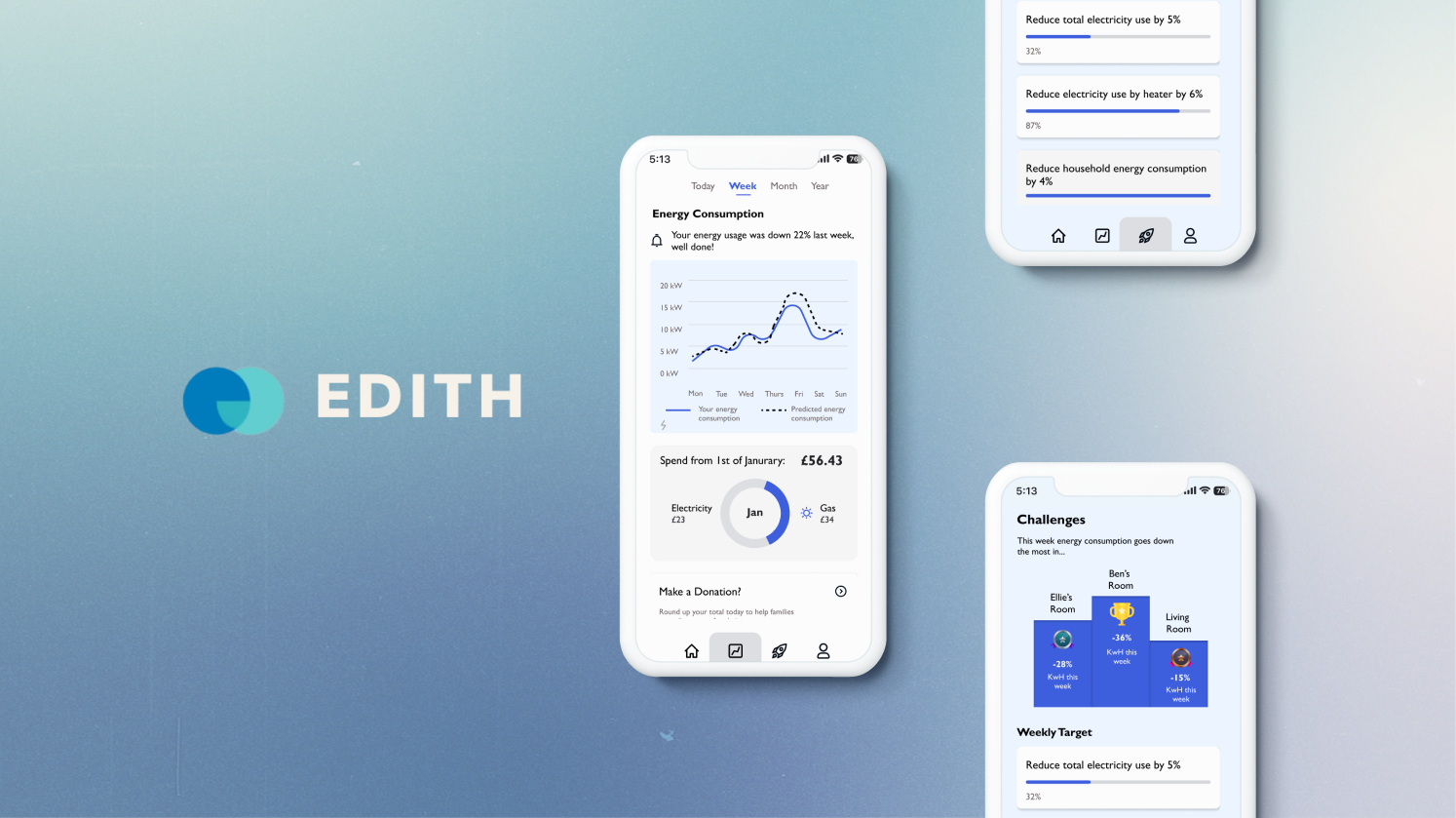
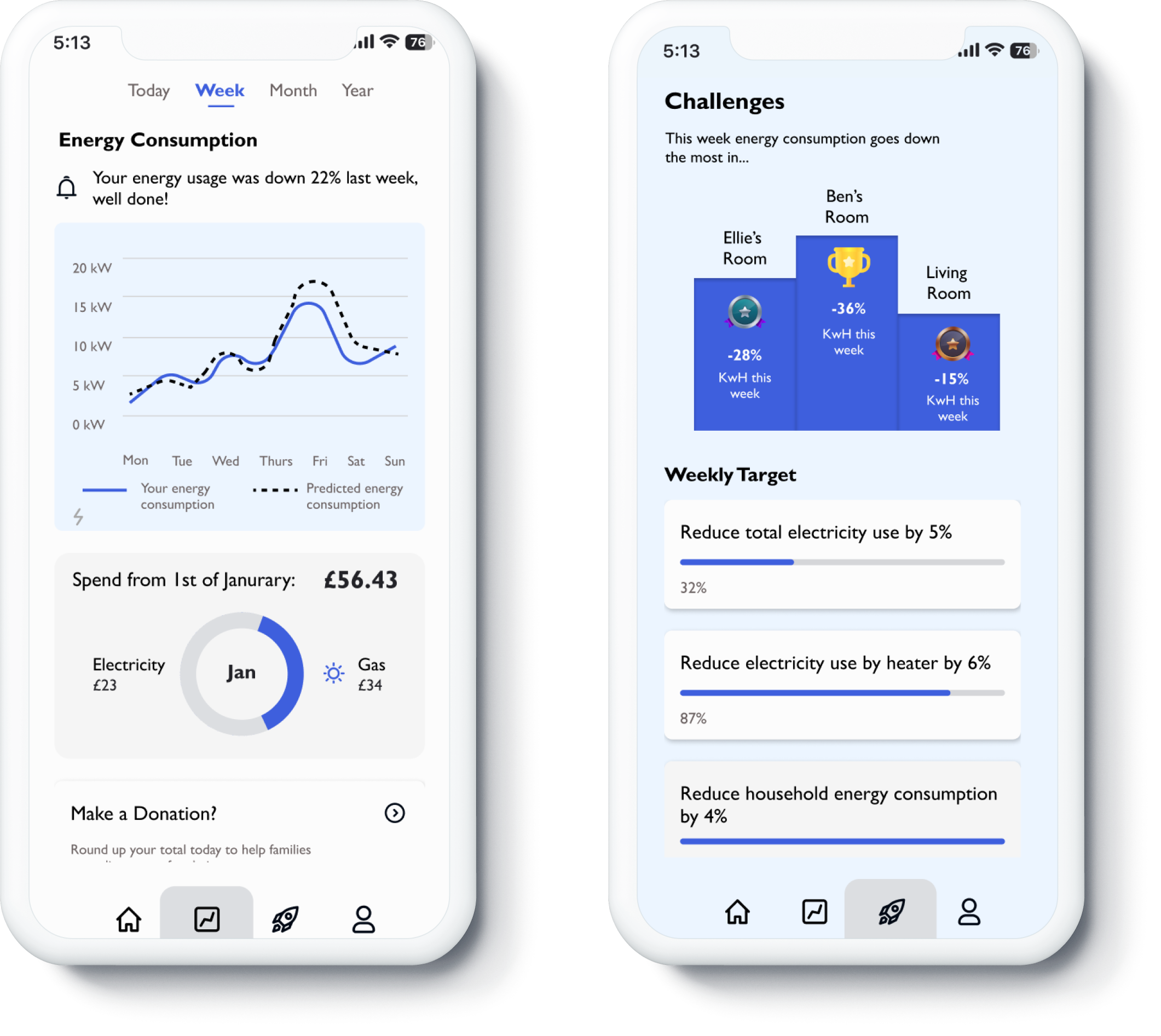
EDITH is a mobile application which uses AI and smart meter data to track energy usage in the home, and translate this into actionable insights to help reduce usage in the future.

Problem Statement
How might we design a mobile app that utilizes smart meter data to encourage time-poor family to reduce the negative impact of domestic energy reduction and positively engages households with climate action?
Walk through the project
Design Process
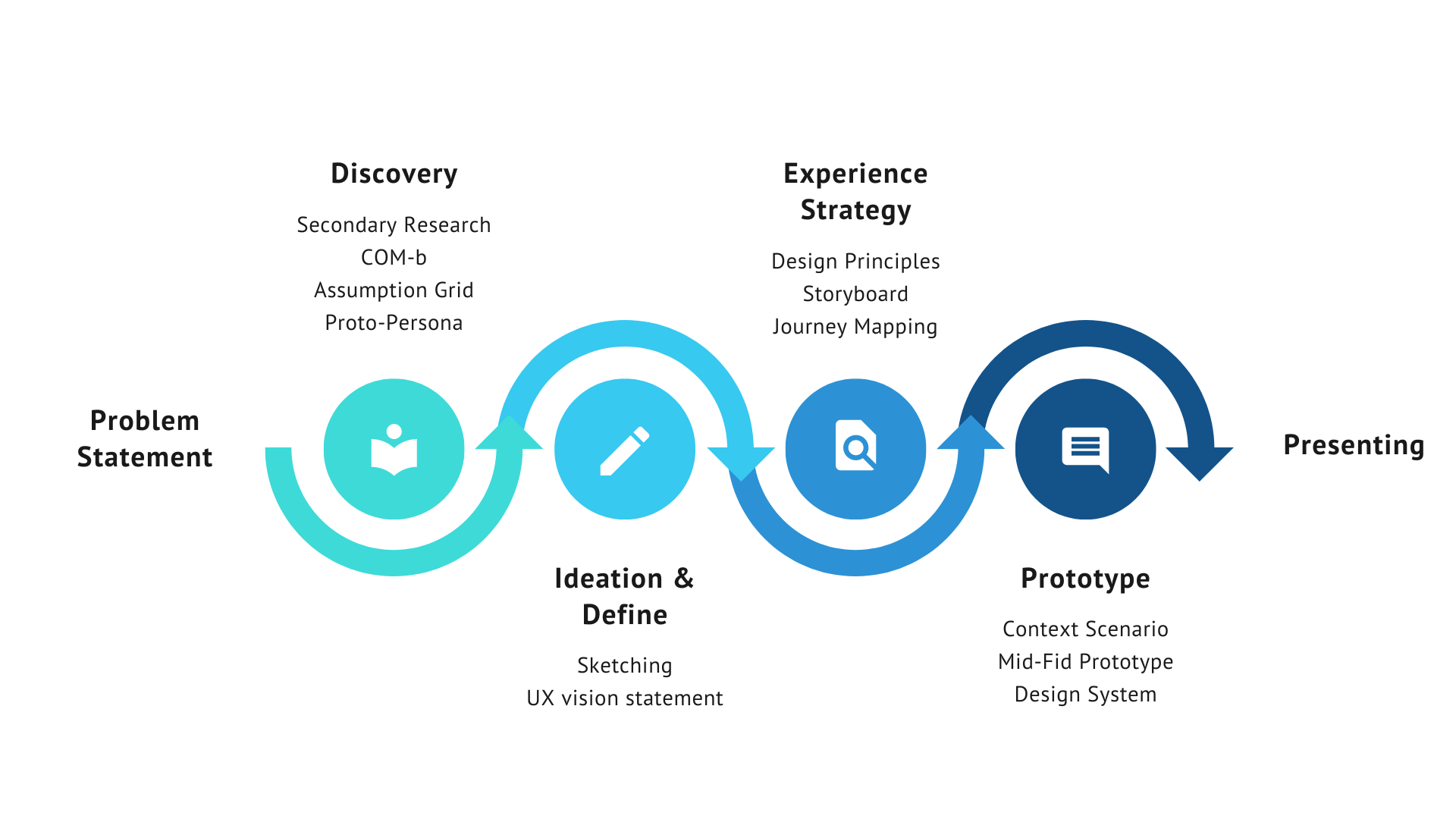
In this project we have been given the research data and family persona, hence we would start by unpacking our assumptions based on those data.
What we know and what we don’t know?
Unpack assumptions
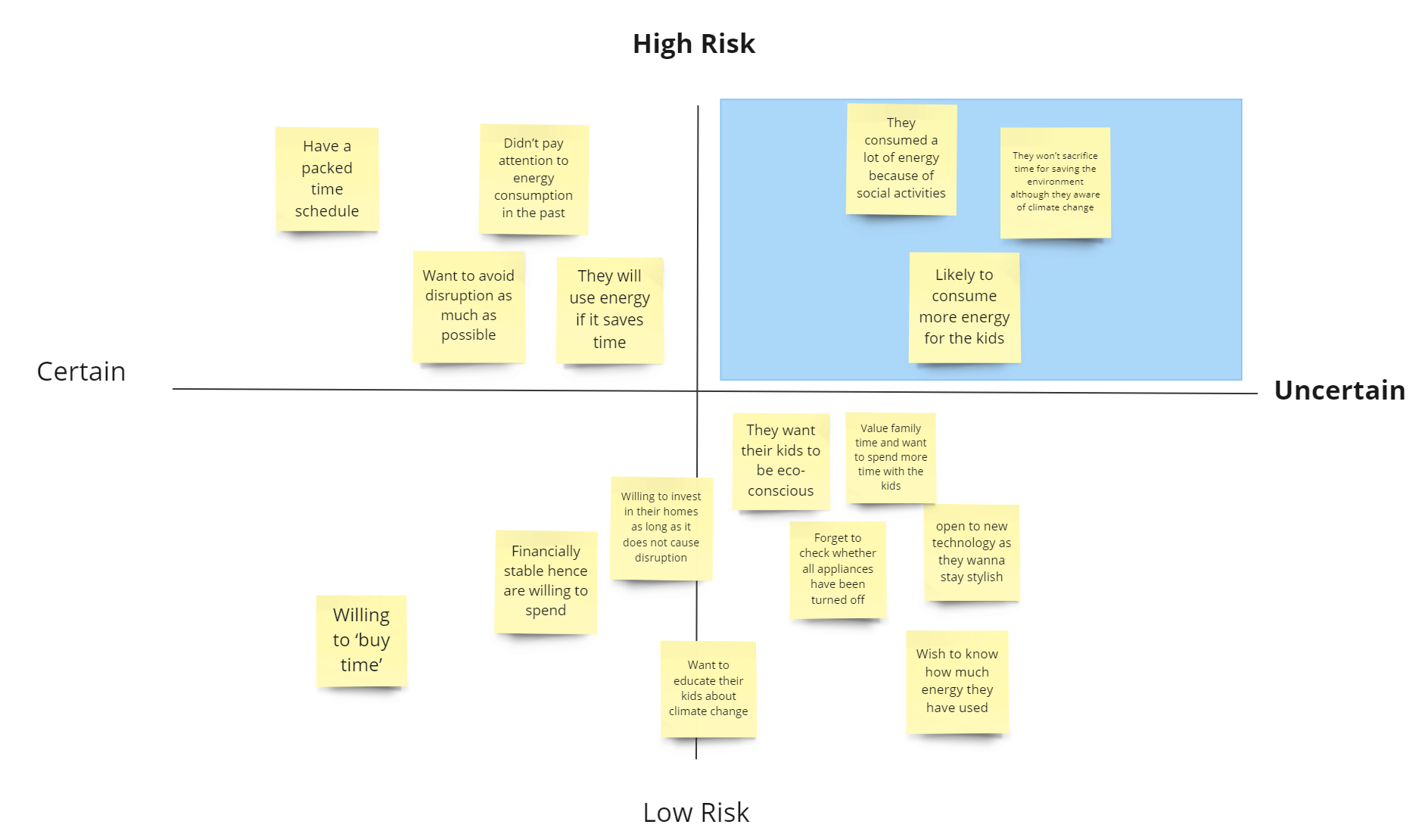
We started by plotting out assumptions on the risk& certainty grid, and decided to conduct a round of secondary research focusing on the high risk/uncertain assumptions.
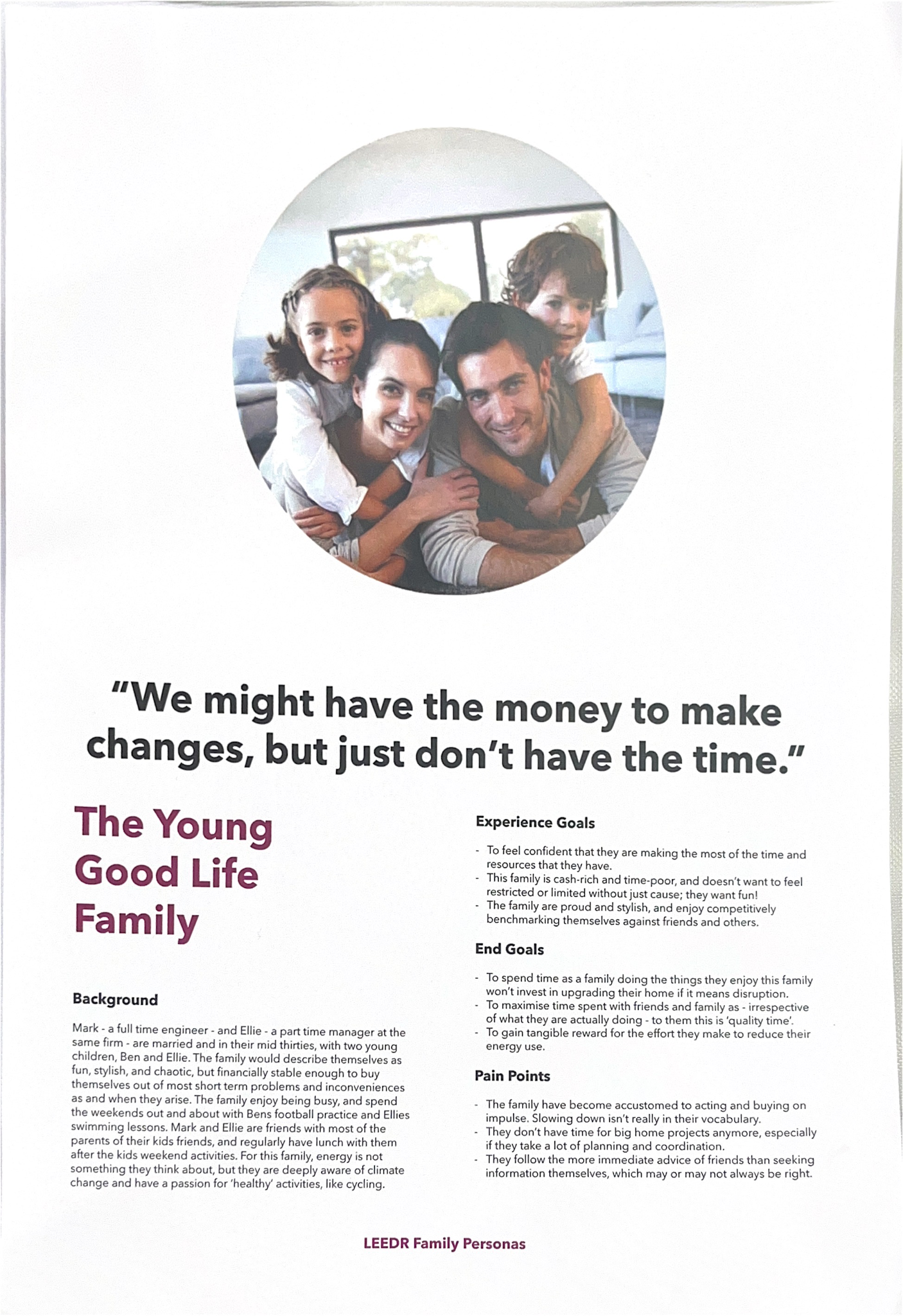
We decided to go for “The Young Good Life Family” who are time-poor but monetary available to make changes. Our goal is to provide them with the opportunity and motivation to save more energy in the household.
**LEEDR Family Persona is an existing research data in which we didn’t conduct by ourselves
Lack of motivation to save energy
No time to think about energy saving!
Not enough information to make better decisions regarding energy usage
Key Pain Points
To turn energy-saving into a family activity/commitment
Contribute to the community by helping others to get through this energy crisis
To make more eco-friendly decisions in the household by turning off unused appliances
Desired behavioral change
What experiences do we want to deliver?
Design Principles
Before we start ideating, we set 3 design principles that would set the design priorities for our product, it represents the desired user experience that we want to deliver as a whole. The ideas we then developed would align with these principles that we have set.
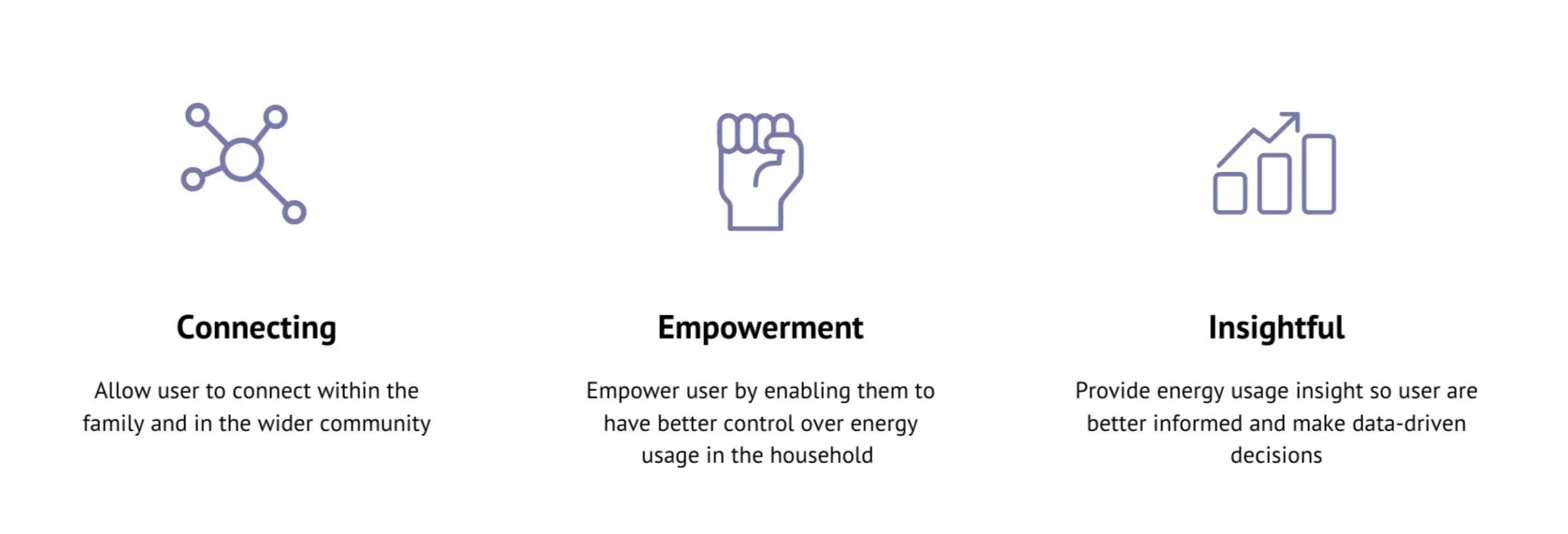
We start ideating by thinking how to increase user’s opportunity and their motivation to change their energy usage behaviors. Here are a few ideas:
Design Exploration
-
Allow user to switch off all appliances (except the fridge and other appliances that needs to keep running) remotely via the app
Optimises the heating and cooling of the house by having an ‘Eco mode’ where the app will automatically set the optimal temperature for the house
Record the energy consumption data to allow users to track their performance over time
Set mode for different occasions (party mode/ sleeping mode...)
-
Reward engagement with the app with the ranking feature to allow comparison being made between rooms/ different households to make energy saving more fun
Set everyday challenge of energy saving
Reward engagement with the app by providing options to donate to ‘fuel banks’ according to the % of energy saving they have achieved that month
Can we in contribute to the current energy crisis?
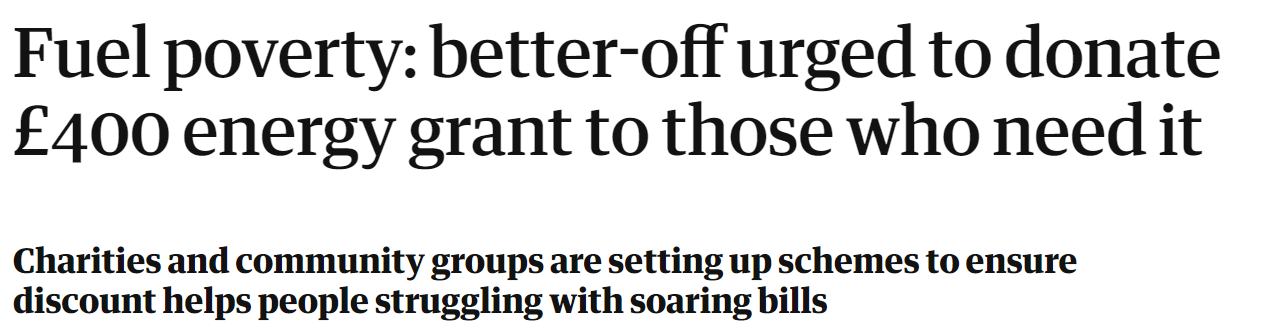
Considering the current energy crisis and taking ideas from appeals regarding donate the rebate, we were thinking although the brief focus on reducing negative impact of domestic energy consumption, perhaps the app could make it easier for user to contributing to the community by providing an option to round up their electricity bill and donate to energy banks.
Donate Energy?
Which ideation did we go for? Why?
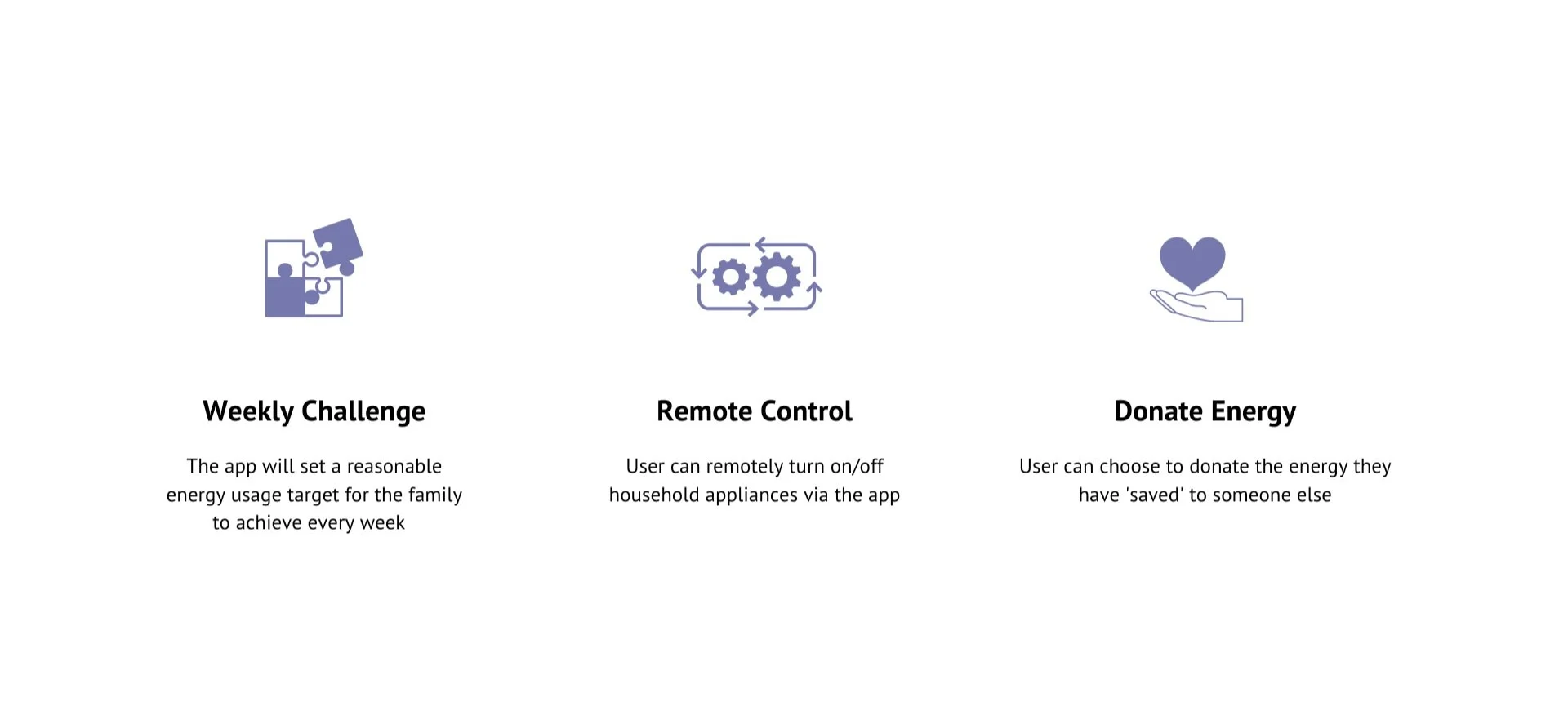
These features are chosen using the Importance & Satisfaction Matrix in the aim to create the desired user experience while addressing the problem statement.
Initial Core Features
How to make sure our service make sense to the user? How will they use it?
Journey Mapping + Bodystorming
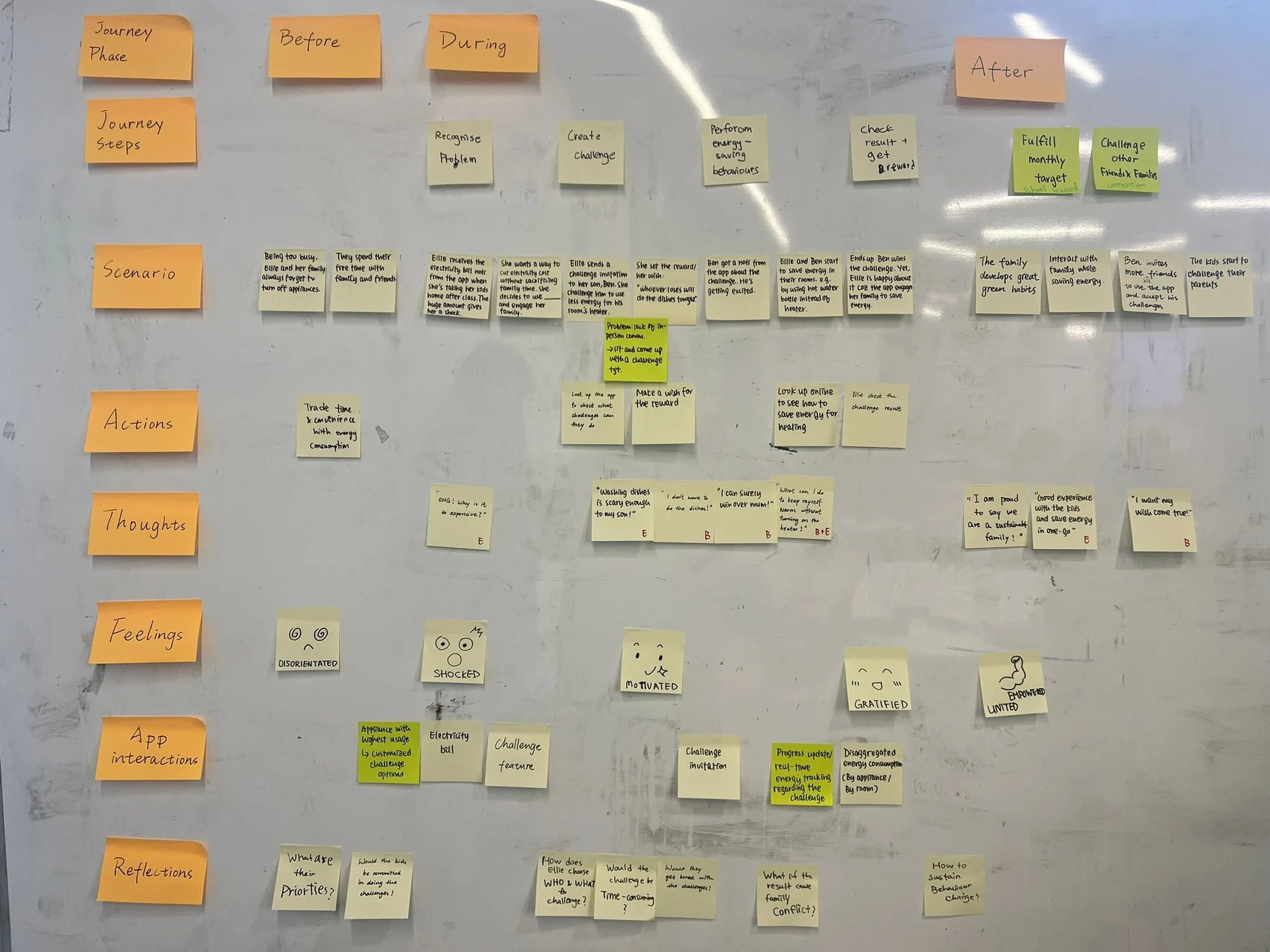
The ‘App Interaction’ section of the journey map helped us to consider what information/ data will the app provide to users, and allow us to see if there’s anything else that is missing. We then acted out the user scenario using bodystorming which pushes us to think whether the current design fulfill the experience goal of our target users.
But…how can user learn how to save more energy?
Reflecting on the bodystorming, we realized at the moment we are encouraging user to save more energy with the challenge feature, but we were also questioning whether that can help user who wants to save more energy to achieve their goals, and therefore we decided it would be better if the app could provide customized energy saving tips for users.
Challenge #1
Solution
Home Screen
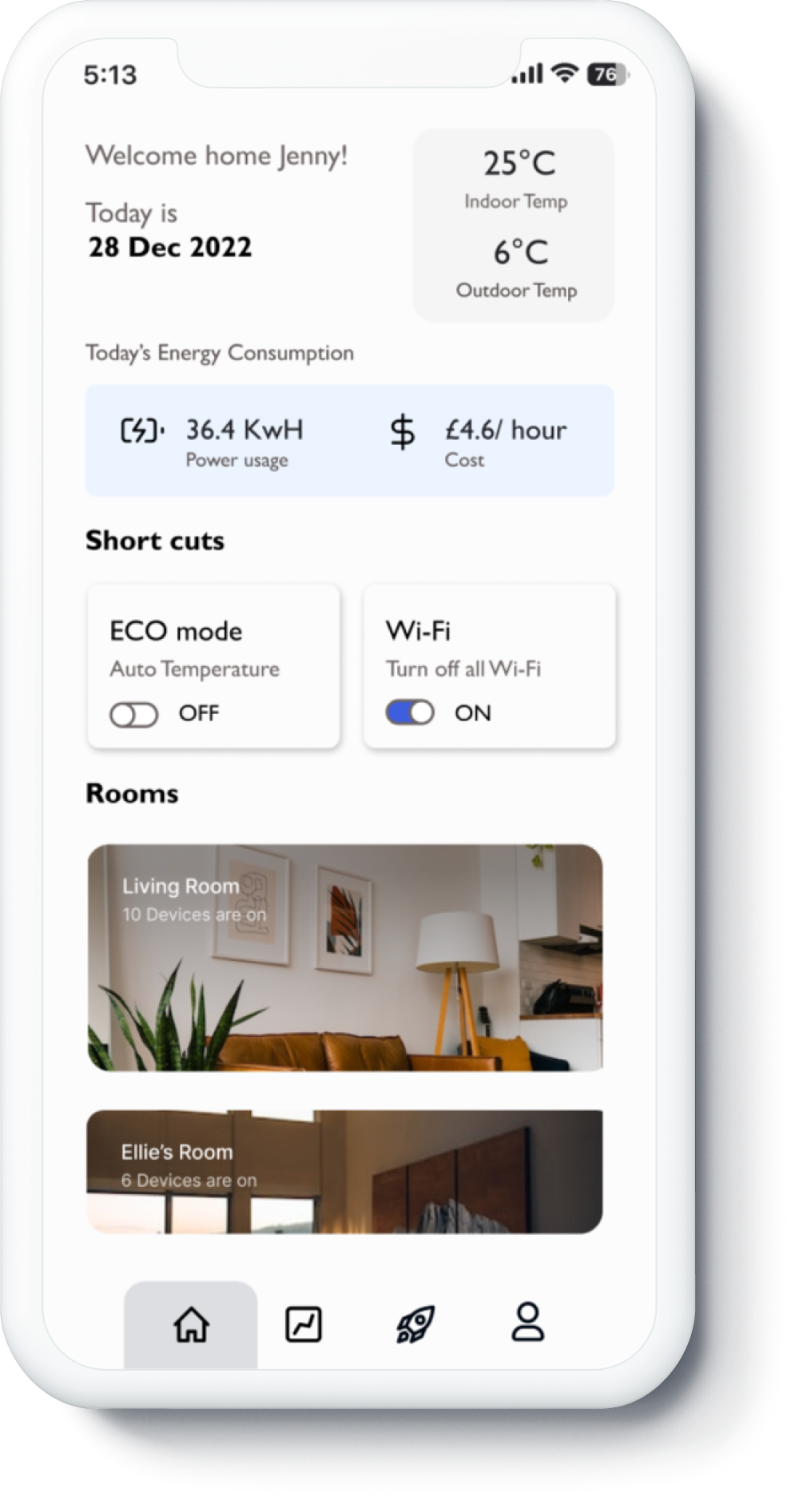
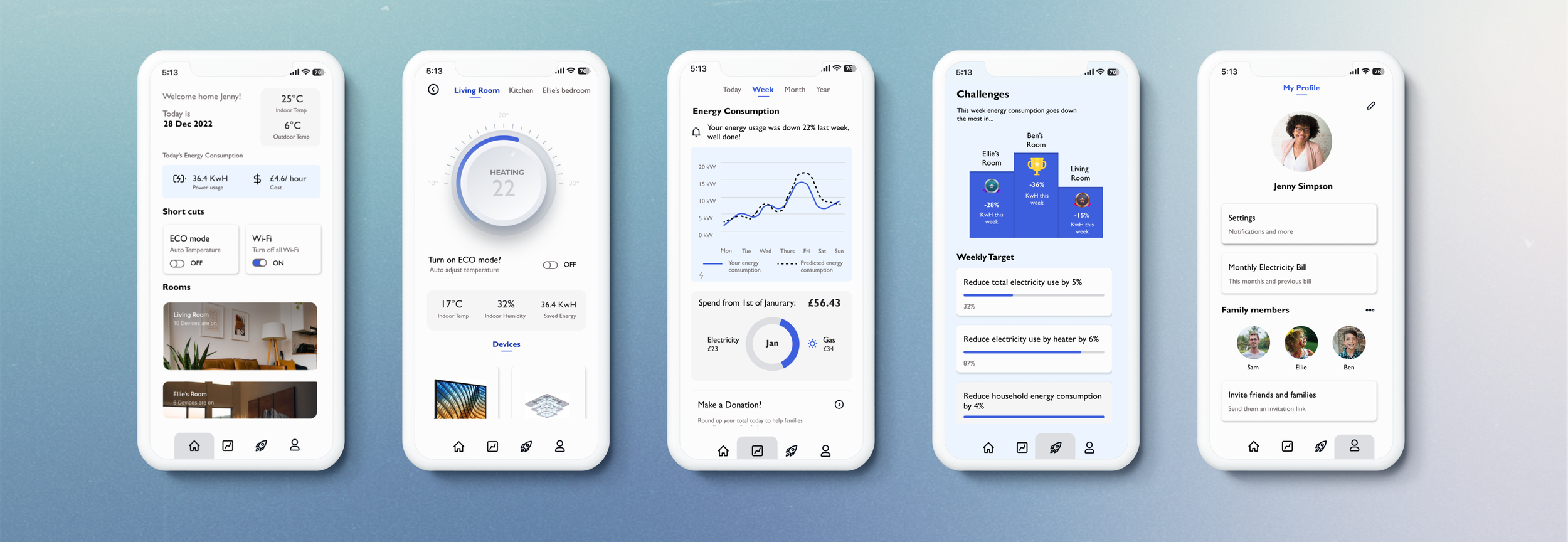
Home page provides an overview and short cuts to main features of the app
The short cuts makes it easier for user to turn off appliances remotely hence encourage energy saving
Control Panel
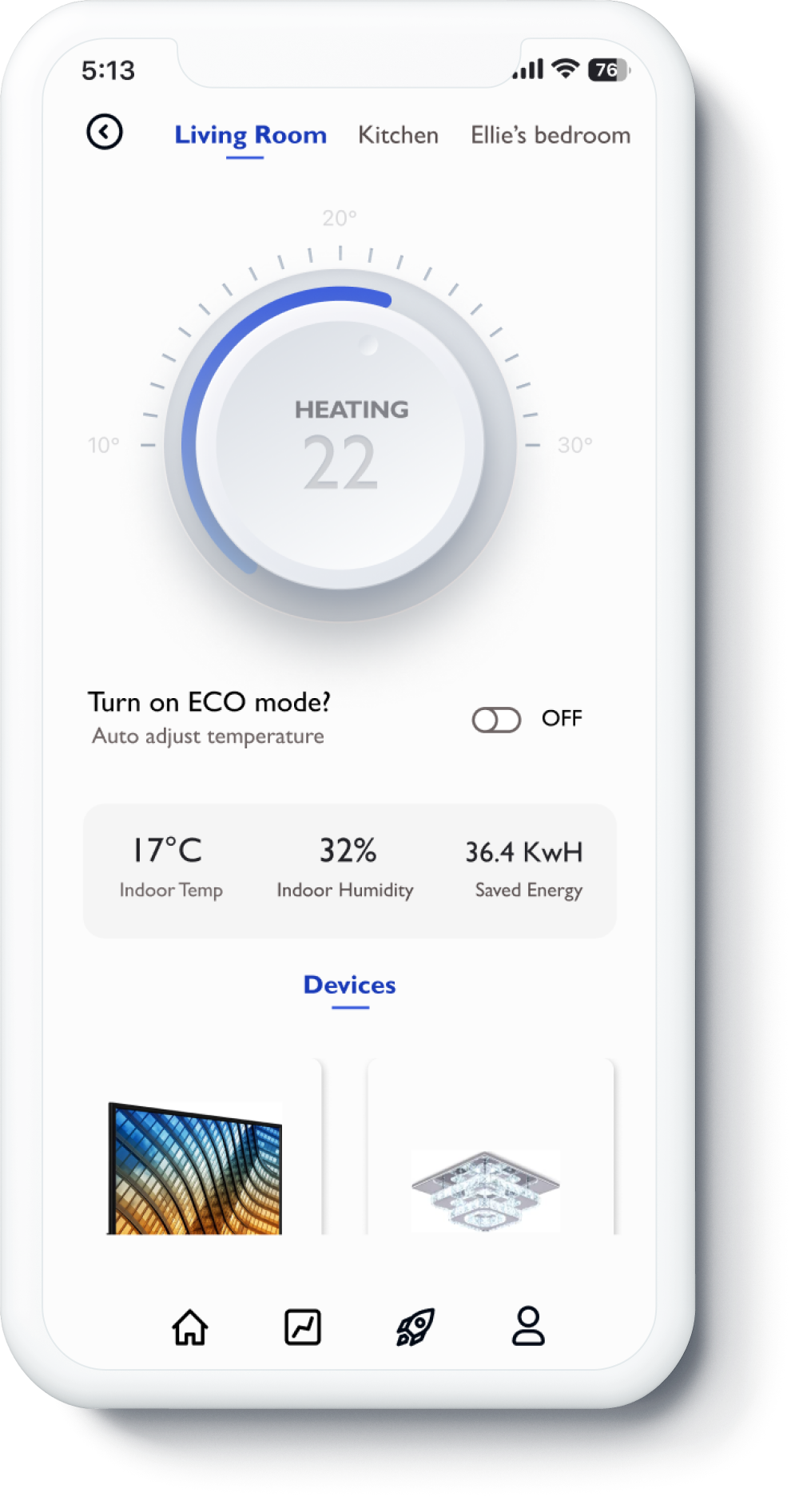
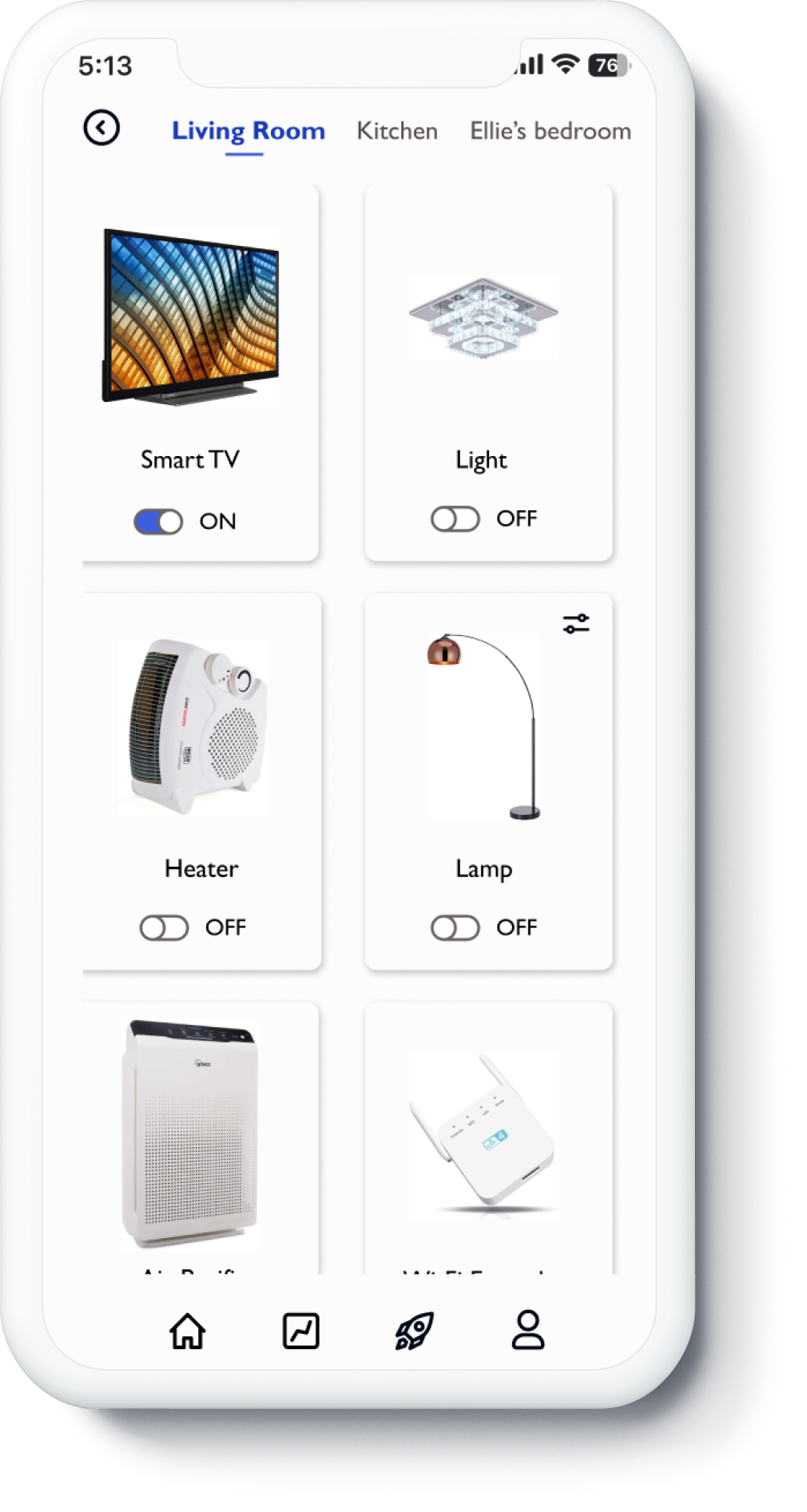
User can control the heating and individual appliances in each room. The ECO mode option is also present to automatically set more eco-friendly temperature for user.
Energy Usage Report
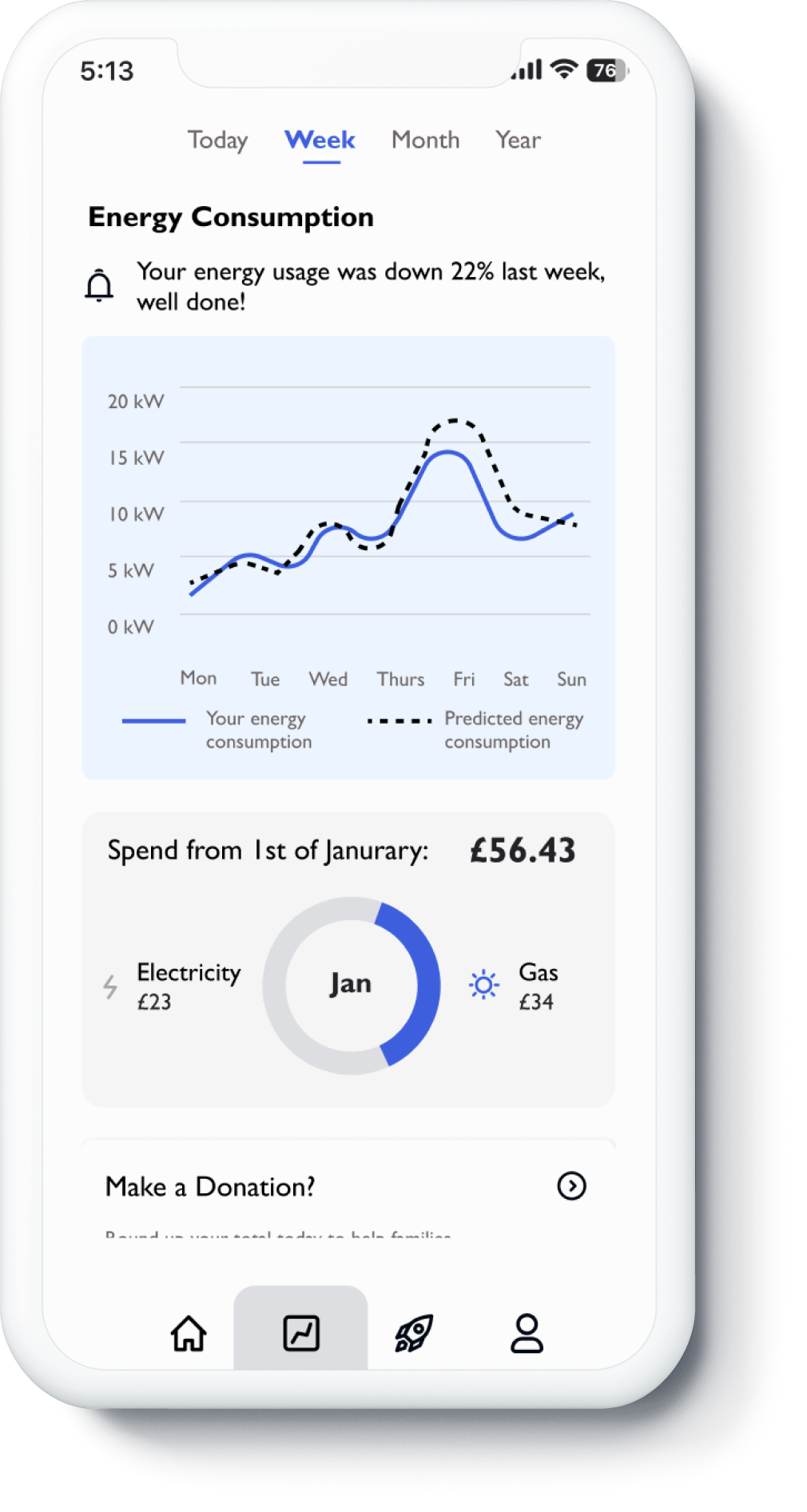
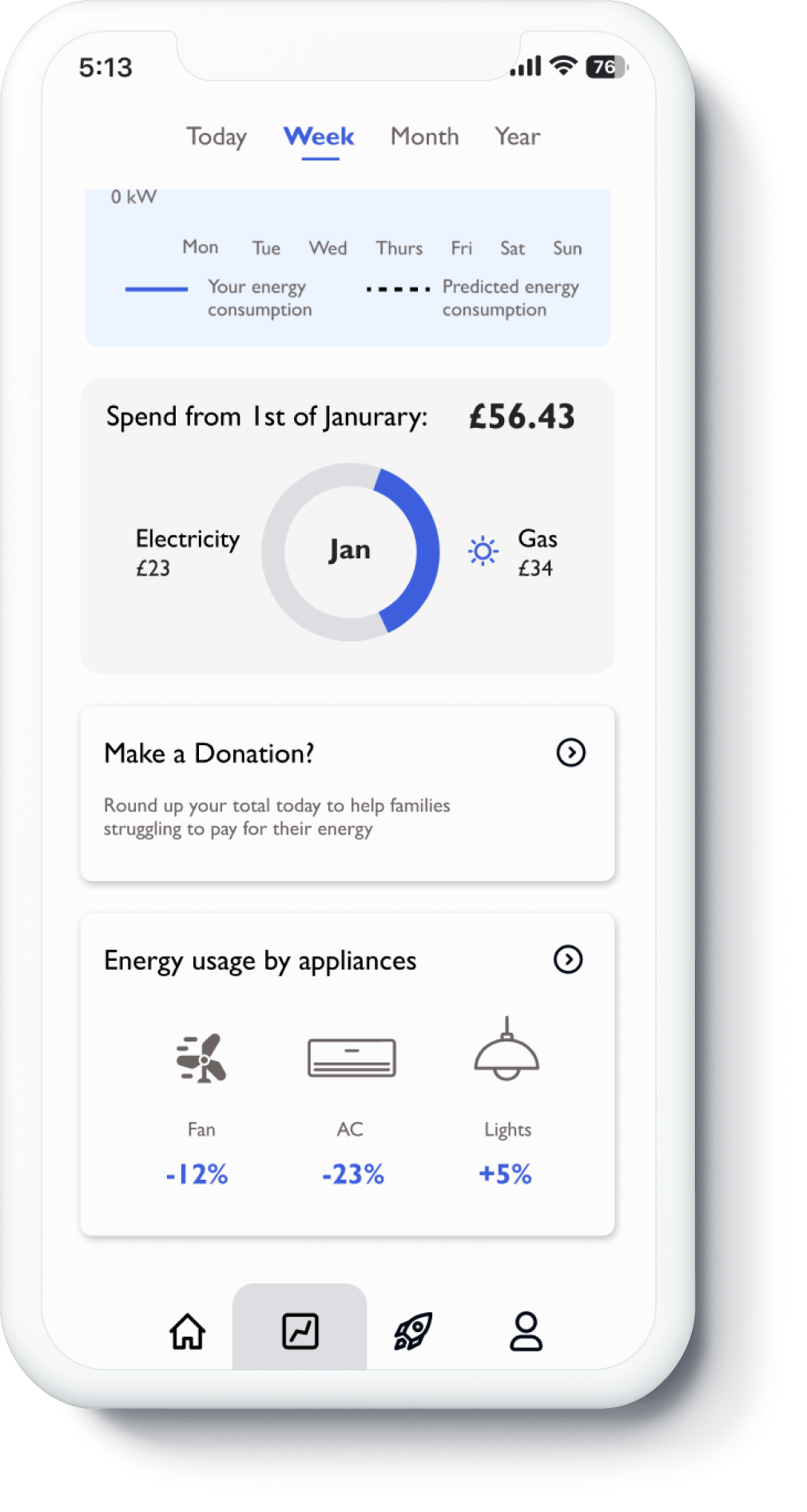
This page shows an overview of the user’s energy consumption, it aims to help user to make data-driven decisions.
The Roundup Donation feature makes it easier for user to give back to the community by making donations to energy bank.
Challenges
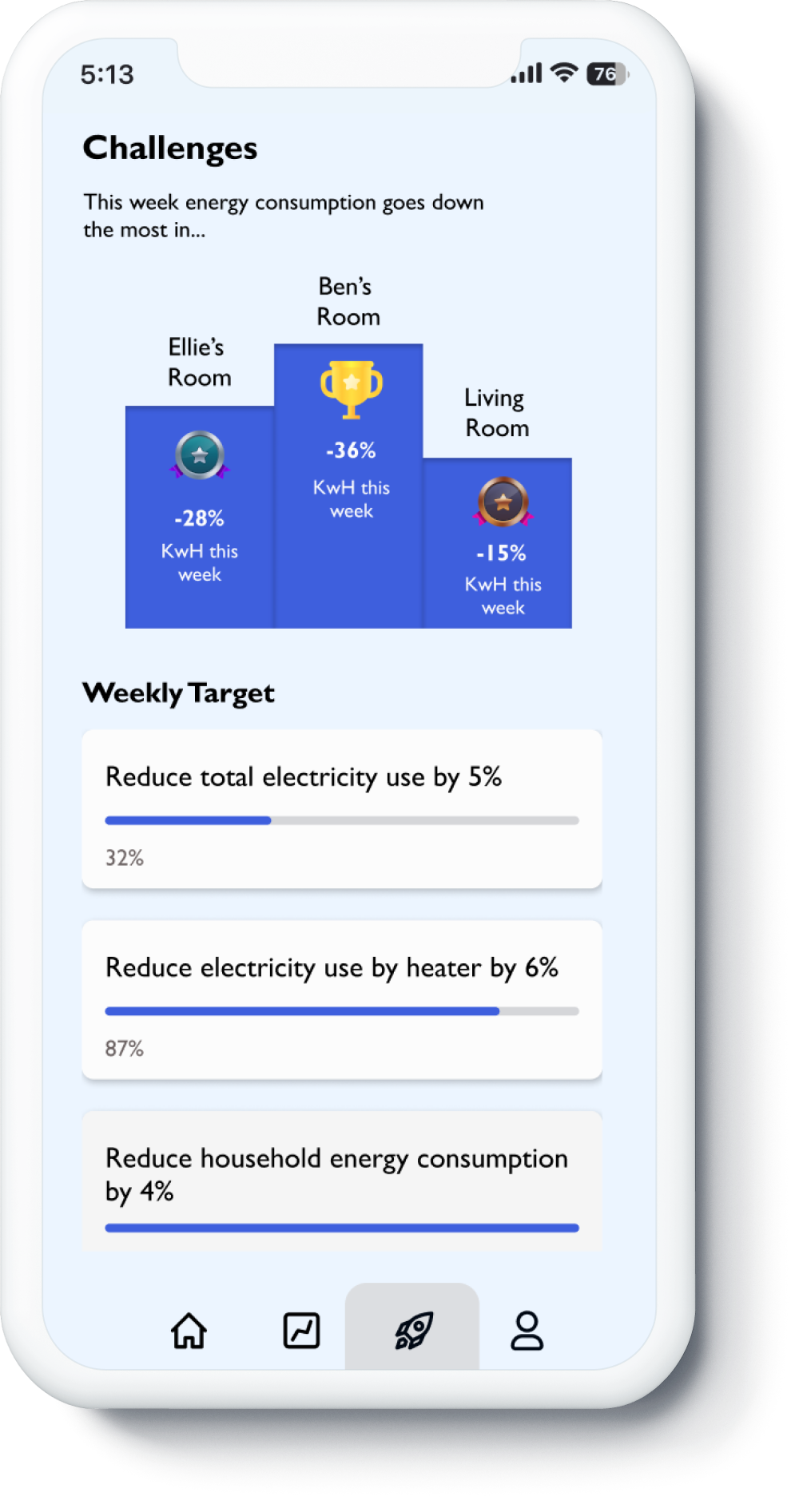
The challenge page allow comparison to be made between rooms based on their energy usage performances. The design was driven by the idea to convert energy saving into a family activity.
The weekly target provide customized energy tips for user to encourage them save more.
Profile Page
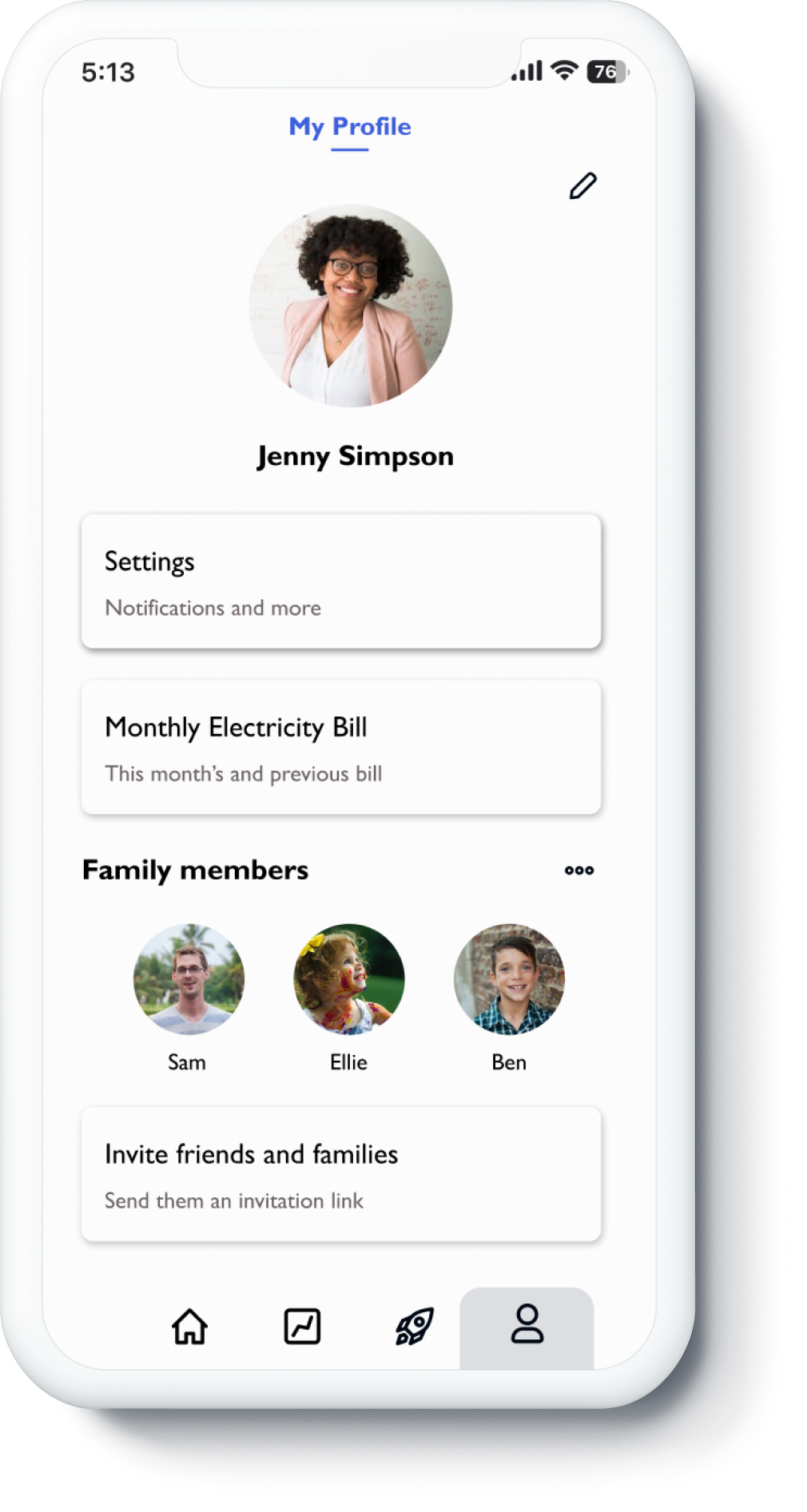
User can access their monthly bill and invite friends to join the platform at this page.
Reflections
-
This project has focused on ideation and UI design. I would say the fact that this was a school project has limited the extent as to what we can do, for example we need to follow the given persona and were being asked not to conduct primary research.
Key Limitations:
Family persona are not being backed up by user interview carried out in the group and therefore we might have overlooked other pain points
Unable to conduct user interview hence there are risky assumptions that are yet to be unpacked.
-
Conduct user interview to refine our assumptions and pain points regarding our target users
Conduct further prototyping and present it to target user as part of the user research